
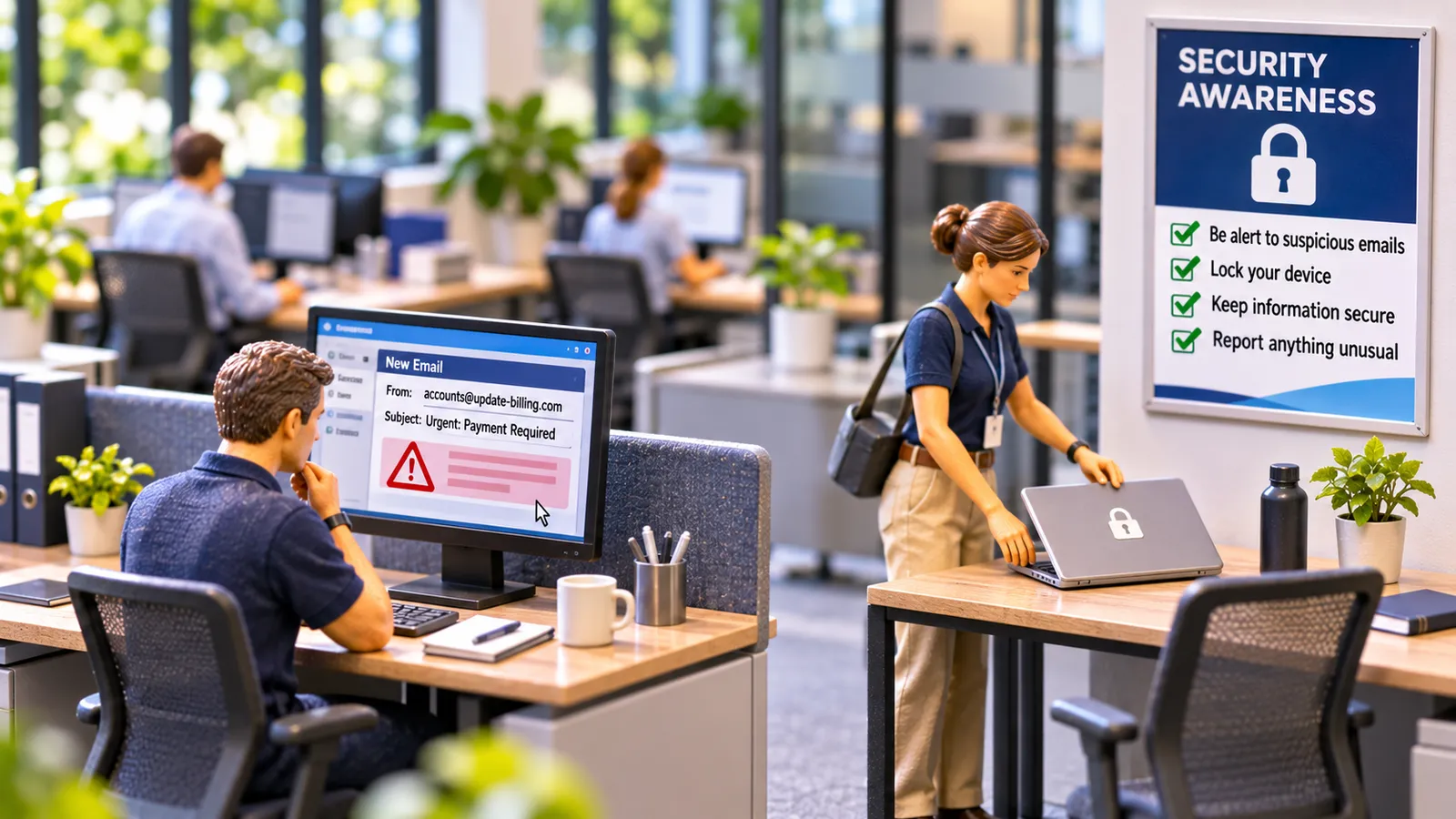
Short answer: Many cyber incidents in small businesses start with an ordinary moment: someone clicks a link in a fake email, reuses a password, leaves a screen unlocked, or pays an invoice after the bank details “changed”. Security awareness training builds a few simple habits: stop and check before you click, use strong unique passwords with multi-factor authentication, lock your screen when you step away, and confirm any change to payment details by phone, using a number you already have.
The invoice that looked right
Fatima does the payroll and accounts for a 30-person engineering firm in Perth. On a busy Thursday, an email arrives from a regular supplier: same logo, same signature, same tone. “Please note our new bank details for this month’s invoice.” The invoice amount matches what’s due.
Everything looks right because it’s meant to. The supplier’s email account had been taken over, and the scammer was writing from inside it. What would have caught it was a phone call to the supplier on the number Fatima already had.
The habits that matter most
1. Stop and check before you click
- Look at who an email is really from, not just the display name.
- Be wary of urgency (“today”, “final notice”), unexpected attachments and login pages you didn’t ask for.
- If in doubt, don’t click. Go to the website or app directly, or ask.
2. Check every change to payment details
- Call the person or business on a number you already have, not one in the email.
- Have two people approve any change to bank details.
3. Strong passwords and multi-factor authentication (MFA)
- Use a different password for every account, ideally stored in a password manager.
- Turn on MFA for email, banking and anything important.
- Never share passwords. IT or the service desk shouldn’t ask for yours.
4. Lock your screen
- Lock it every time you step away (Windows key + L on most PCs).
5. Report quickly
- Clicked something suspicious? Tell IT or your manager straight away. Fast reporting limits the damage, and nobody should be blamed for speaking up.
6. Keep devices updated
- Install updates when prompted, and only use approved software.
Why it goes wrong in real offices
- Busy people, convincing fakes. Scams are well written and well timed.
- Shame. People who click often stay quiet, which gives attackers more time.
- One-off training. A yearly slide deck doesn’t build habits. Short, regular reminders do.
Making it stick
- Short and regular: a few minutes each month beats an hour once a year.
- Real examples: show the scam emails your office has actually received.
- Practise: simulated phishing emails, followed by a quick explanation, not punishment.
- Make reporting easy: a “report phishing” button or one clear contact.
- Leaders go first: managers who lock their screens and check payment changes set the standard.
What the law and guidance say, in plain English
There’s no single law that says every business must run security awareness training. But businesses covered by the Privacy Act have to take reasonable steps to protect personal information, and many must notify affected people and the regulator about eligible data breaches. Training staff is one of the most common “reasonable steps”. The Australian Signals Directorate’s Australian Cyber Security Centre publishes free guidance for small businesses. For businesses working towards ISO 27001, staff awareness is a specific requirement.
Team talk: three questions
- What’s the most convincing scam email anyone here has seen?
- What do we do if a supplier asks to change their bank details?
- If you clicked something by mistake, who would you tell, and how fast?
Common questions
How often should security awareness training run?
Little and often. Short monthly refreshers and occasional practice emails work better than one long annual session.
Is this a WHS topic?
Not directly, but the approach is the same: show the mistake, show the safer way, and check it landed. SafeLee’s office series will cover office safety, information security and AI at work.
Where should we start?
Two steps give a lot of protection for little effort: turn on multi-factor authentication for email (phishing-resistant MFA where you can), and check any change to payment details by phone on a number you already have. The Australian Cyber Security Centre’s small business guidance is a good next step.
Sources
- Australian Signals Directorate, Australian Cyber Security Centre: small business cyber security guidance
- Office of the Australian Information Commissioner: Notifiable Data Breaches scheme
- Privacy Act 1988 (Cth), Australian Privacy Principle 11 (security of personal information)
- ISO/IEC 27001:2022, Annex A control 6.3 (information security awareness, education and training)